




OpenAI adds Codex Pets with real-time task overlay
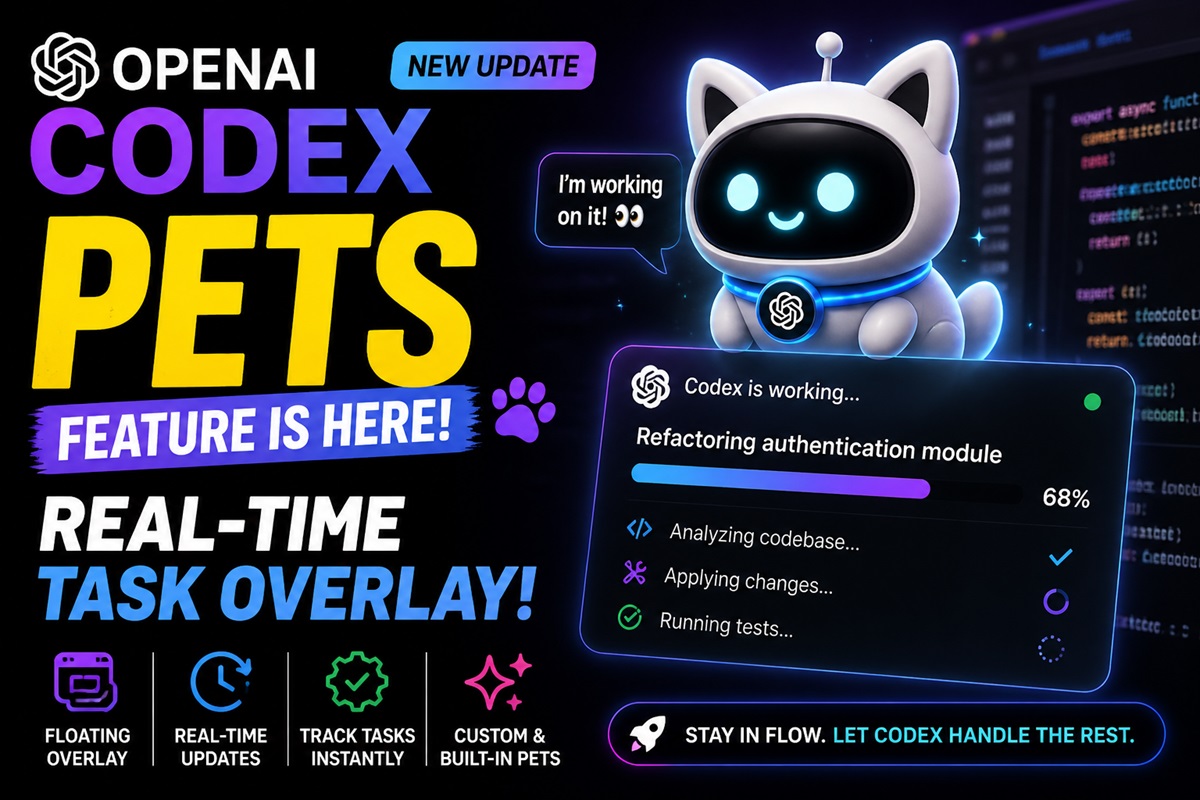
OpenAI has introduced a new feature called Codex Pets in the OpenAI Codex app. The update brings animated floating companions that allow users to monitor tasks in real time, without switching back to the main interface.

What Are Codex Pets?
Codex Pets are optional animated overlays that sit on top of other apps and display ongoing Codex activity.
- Show current task and status
- Provide quick progress updates
- Indicate whether Codex is running, waiting, or ready
This helps users stay updated without reopening threads, improving workflow efficiency.
How It Works
Users can enable and control Codex Pets directly within the app using simple commands and settings.
- Use
/petcommand in the composer - Open command menu via CMD + K or Ctrl + K
- Navigate to Settings > Appearance > Pets
- Toggle overlay using Wake Pet or Tuck Away Pet
The overlay dynamically reflects task progress in real time.
Custom Pets and Personalization
Codex Pets also support customization through a built-in system:
- Create custom pets using the hatch-pet skill
- Reload and manage pets via command controls
- Choose from built-in or user-created designs
This adds a personal and interactive layer to developer workflows.
Key Features
- Floating overlay across applications
- Real-time task tracking and updates
- Command-based controls and shortcuts
- Support for built-in and custom pets
- Context-aware suggestions and memory support
- MCP (Model Context Protocol) integration for external tools
- Shared configurations across app, CLI, and IDE extensions
Additional Capabilities
Codex continues to expand with deeper system and browser integration:
Browser Use:
- Built-in browser plugin
- Permission-based website access
- Manage allowed and blocked sites
Computer Use:
- System-level interaction on macOS
- Control over app access and permissions
- Not available in select regions at launch (EEA, UK, Switzerland)

Availability
- Available inside the Codex app
- Can be enabled via Settings > Appearance > Pets
- Optional feature with region-based limitations for some capabilities